Second Brain PARA Method – Free Notion Second Brain PARA Method Template
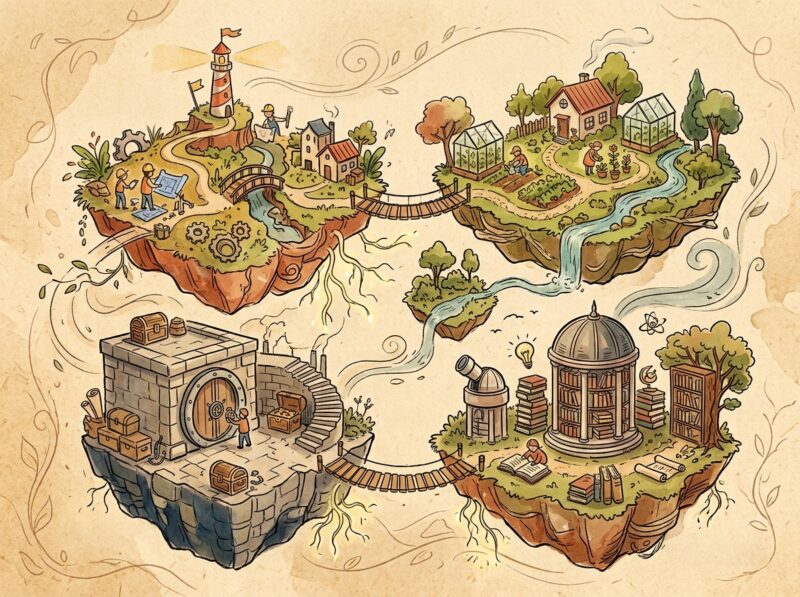
Notes, tasks, and reference material scattered across random pages make it hard to know where anything belongs — this free Notion Second Brain PARA Method template applies Tiago Forte’s four-pillar framework to sort everything into one connected system instead of a pile of disconnected pages.
What’s inside:
- A Projects database with progress bars and priority tracking for anything with a defined outcome and deadline
- An Areas section for ongoing responsibilities that don’t have an end date, like health, finances, or long-term commitments
- A Resources database for categorized reference material and knowledge you’re building over time
- An Archive space for completed projects and inactive items, kept out of the way but still searchable
- A central dashboard linking all four pillars so items can move between categories as their status changes
- Structure that works equally for school projects, personal goals, or ongoing work responsibilities
Who it’s for: students, freelancers, and anyone managing multiple ongoing projects and reference material who wants a single place to sort what’s active from what’s just stored for later.
Why we picked it: a lot of PARA templates just create four empty databases and call it done — this one actually connects them, so a project can graduate into an archive entry without you manually rebuilding it in a new database.
This one comes from heyismail, who built the original template — visit their Notion page to duplicate it directly from the source.