Sticky Notes Board – Free Notion Sticky Notes Board Template (2026)
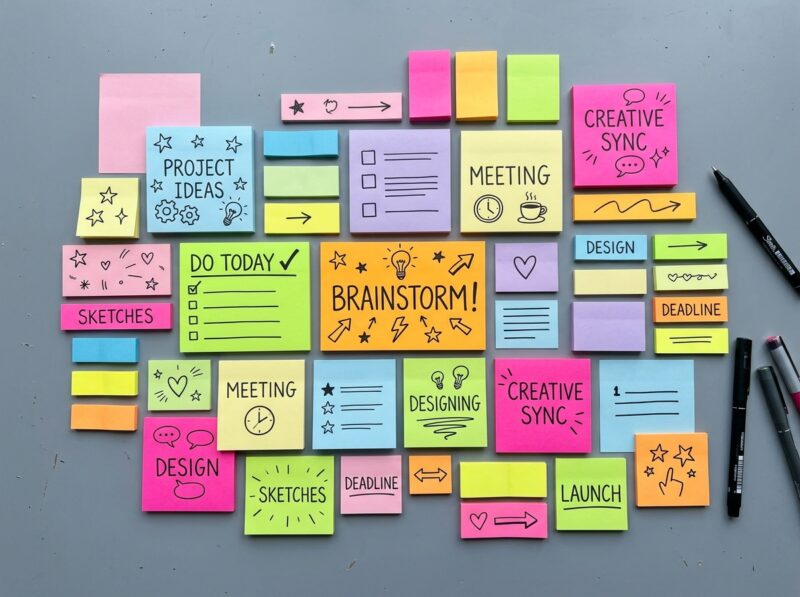
If your task list keeps scattering across apps and sticky notes on your monitor, this free Notion Sticky Notes Board template brings all of it onto one visual, drag-anywhere canvas. Instead of scrolling through a linear to-do list, you get a board where every task, meeting note, or stray idea lives on its own colored card that you can reposition at a glance.
What’s inside:
- A board-view database styled as a sticky-note canvas, with each entry rendered as an individual card
- Color-coding by category (tasks, meetings, notes, ideas) so you can scan status without opening anything
- Freeform card placement — drag notes around the board to group or prioritize them manually
- A simple entry template for adding new notes with title, category, and detail fields
- Lightweight setup with no nested databases or nested pages to configure — everything lives on one board
Who it’s for: Visual thinkers, freelancers, and small teams who find linear checklists hard to scan and prefer seeing their day laid out spatially rather than as a stacked list.
Why we picked it: Most “sticky note” templates in Notion are really just kanban boards with a coat of paint. This one keeps the drag-and-drop freedom of physical sticky notes — no forced columns, no rigid workflow stages — which makes it genuinely useful for brainstorming sessions and loose daily planning, not just task tracking dressed up to look cute.
Creator credit: Built by iamsourabhshen, whose original template page you can duplicate directly — we’ve linked back to the source so you can grab it straight from the creator.